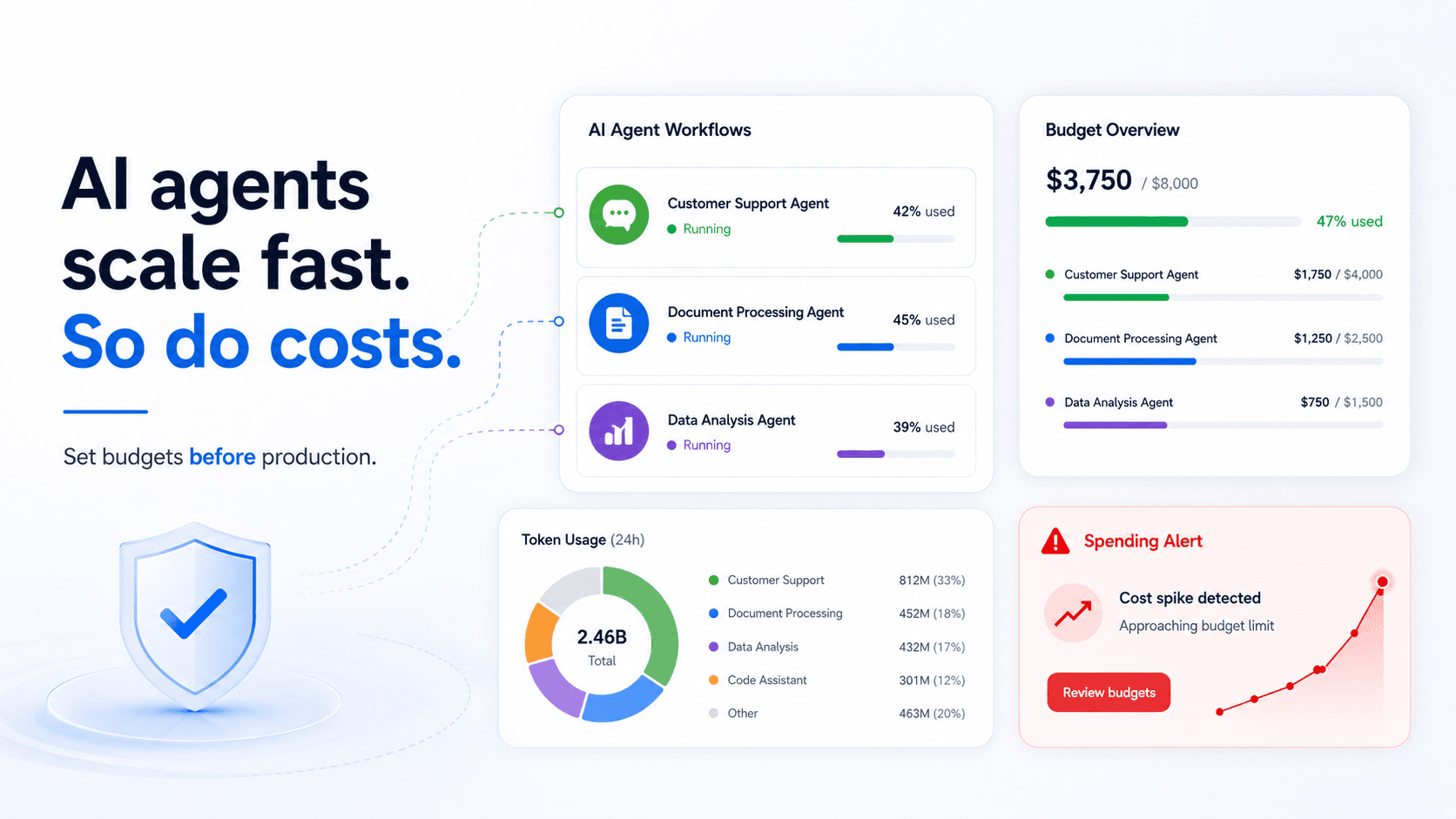
How to track OpenAI, Gemini, Perplexity, and Anthropic usage in one dashboard
A practical guide to centralizing LLM API usage, token costs, managed keys, and request logs across model providers.
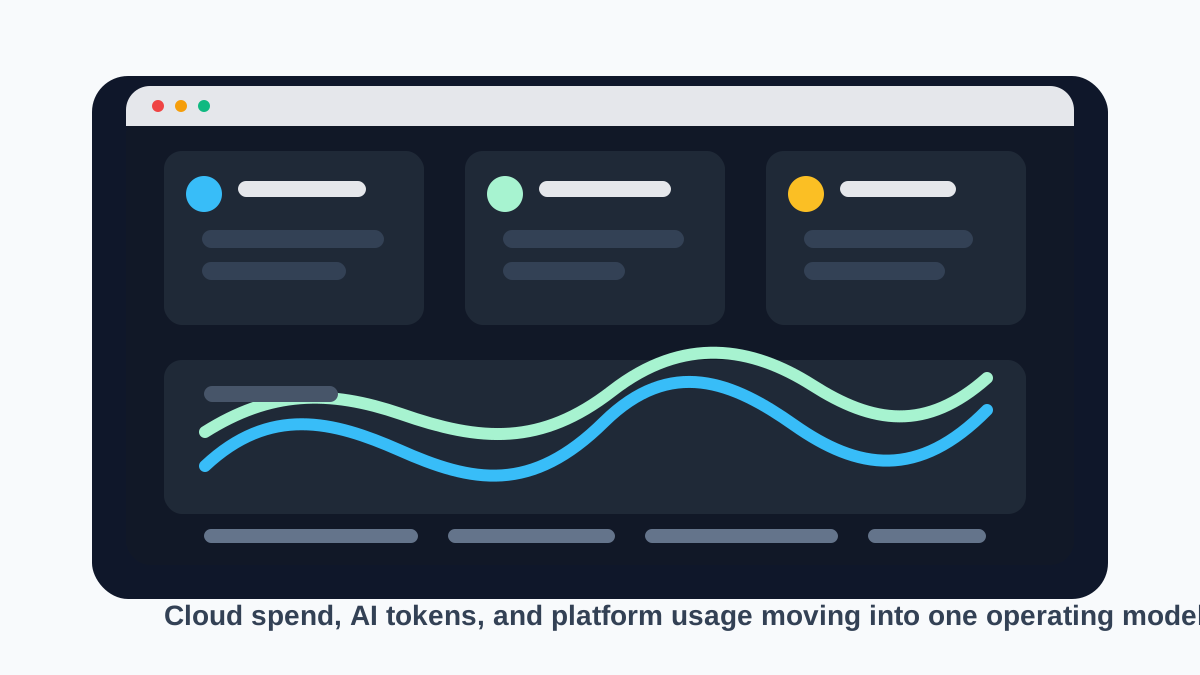
Most AI teams start with one provider key and one experiment. A few months later, usage is spread across product features, internal tools, agents, and several model vendors.
Why provider dashboards are not enough
OpenAI, Gemini, Perplexity, and Anthropic all expose useful usage data, but each dashboard only sees its own slice. Platform teams need a shared operating view that shows which team, key, project, and model created spend.
A central LLM gateway solves this by giving developers one internal entry point while still forwarding traffic to the right provider.
1. Put managed keys in front of provider keys
Raw provider keys are hard to revoke, budget, or attribute. Managed keys let you assign access to teams, services, and environments without exposing the underlying vendor secret.
- Create one key per team or application.
- Track usage by managed key.
- Rotate provider credentials without breaking every service.
2. Normalize token and cost fields
Every provider reports usage a little differently. The useful dashboard view separates input tokens, output tokens, cached tokens, total tokens, latency, status, and estimated cost.
- Store raw provider and model names.
- Keep token fields structured.
- Update pricing tables as provider prices change.
3. Capture logs carefully
Prompt and response samples are useful for debugging and quality review, but production logging should be explicit. The best default is metadata first, with prompt logging enabled only for approved keys.
- Use opt-in prompt and response logging.
- Set retention policies.
- Redact sensitive fields where possible.
How OggyCloud helps
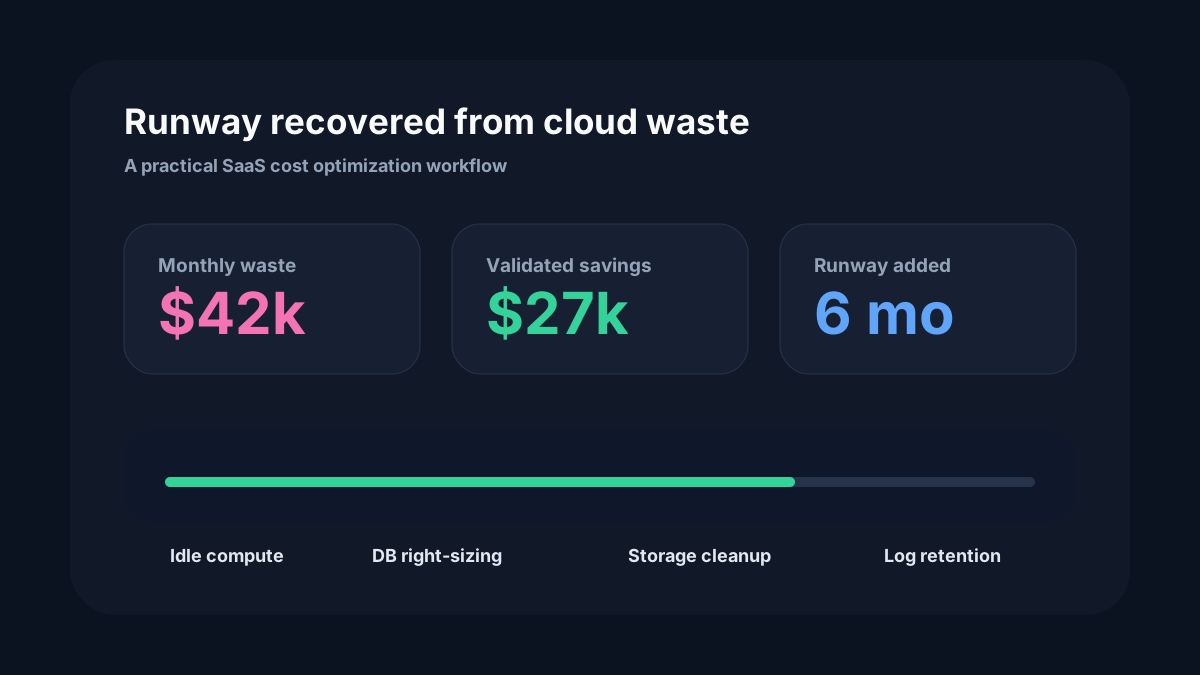
OggyCloud brings API-based LLM usage into the same cost intelligence workflow as cloud and SaaS spend. Teams can route requests through managed keys, inspect usage, and compare providers without losing governance.