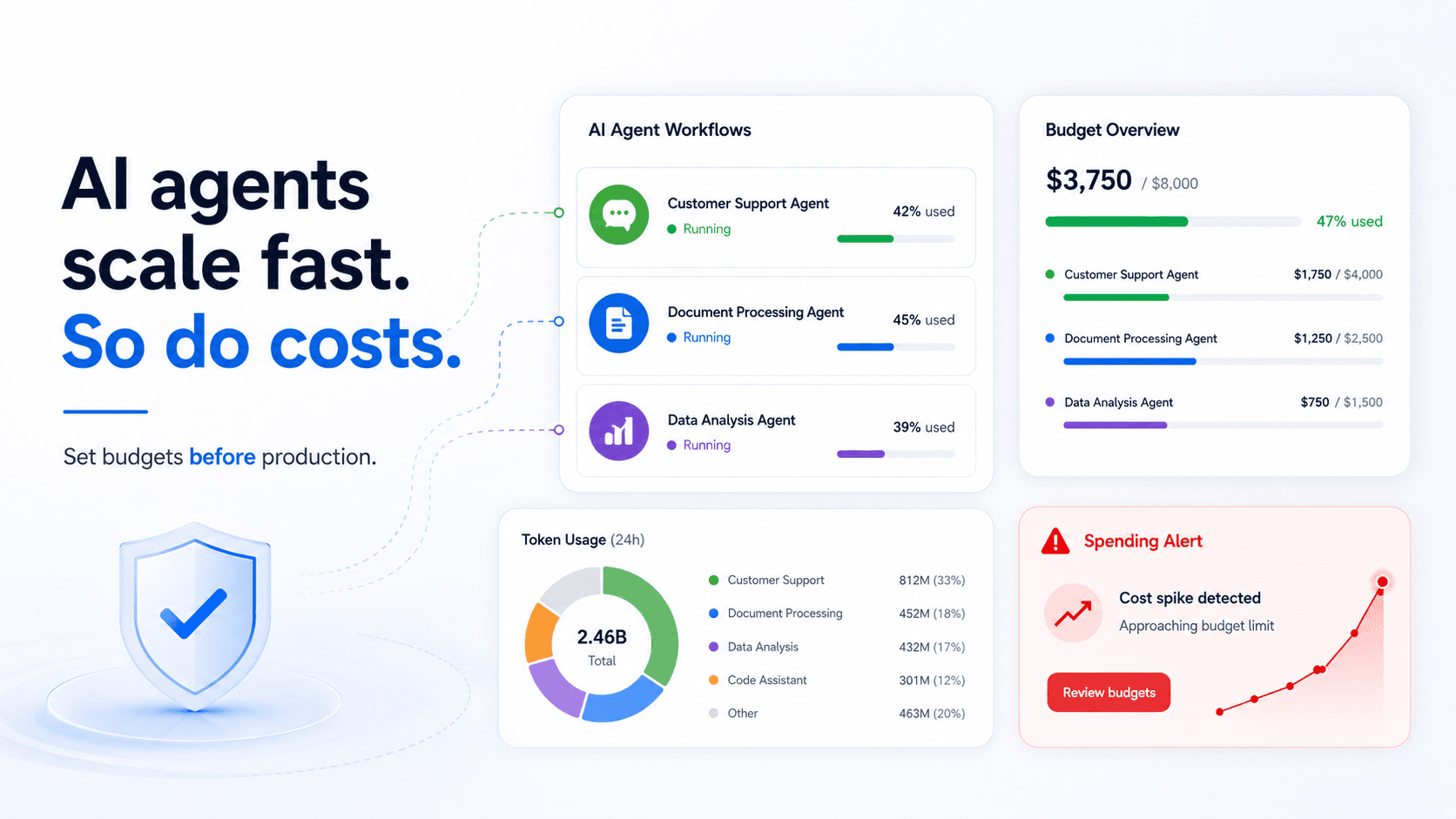
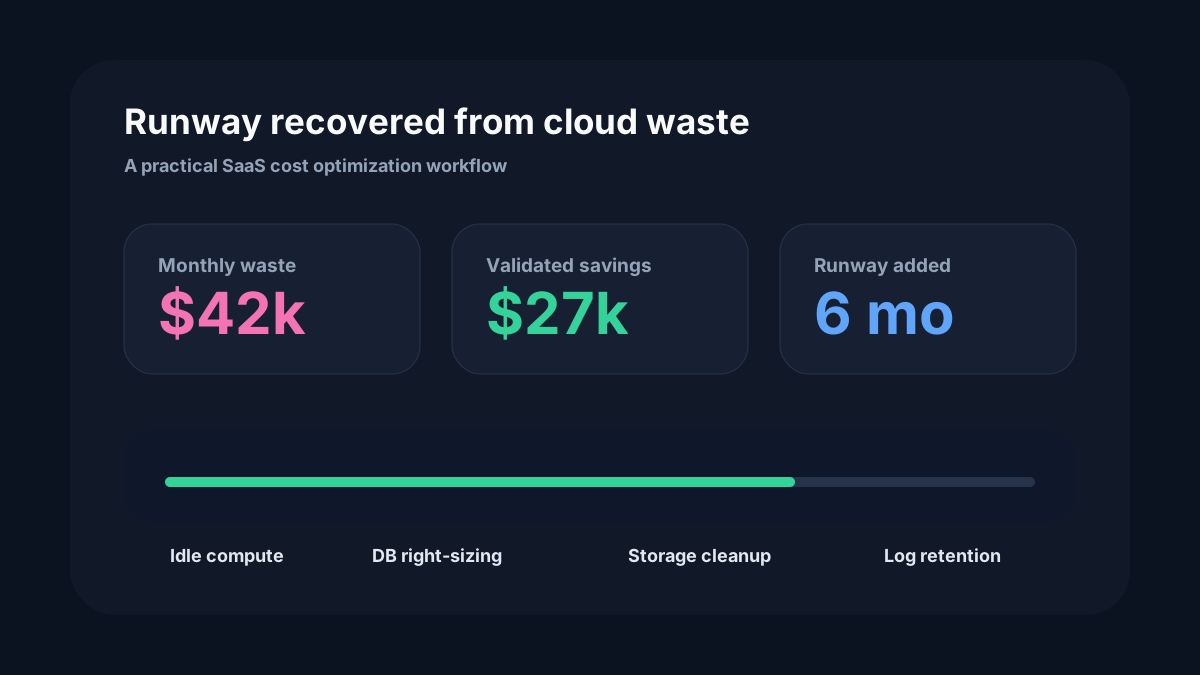
Introducing sharper cost signals for connected platforms
New recommendation workflows help teams move from cost visibility to measurable savings faster.
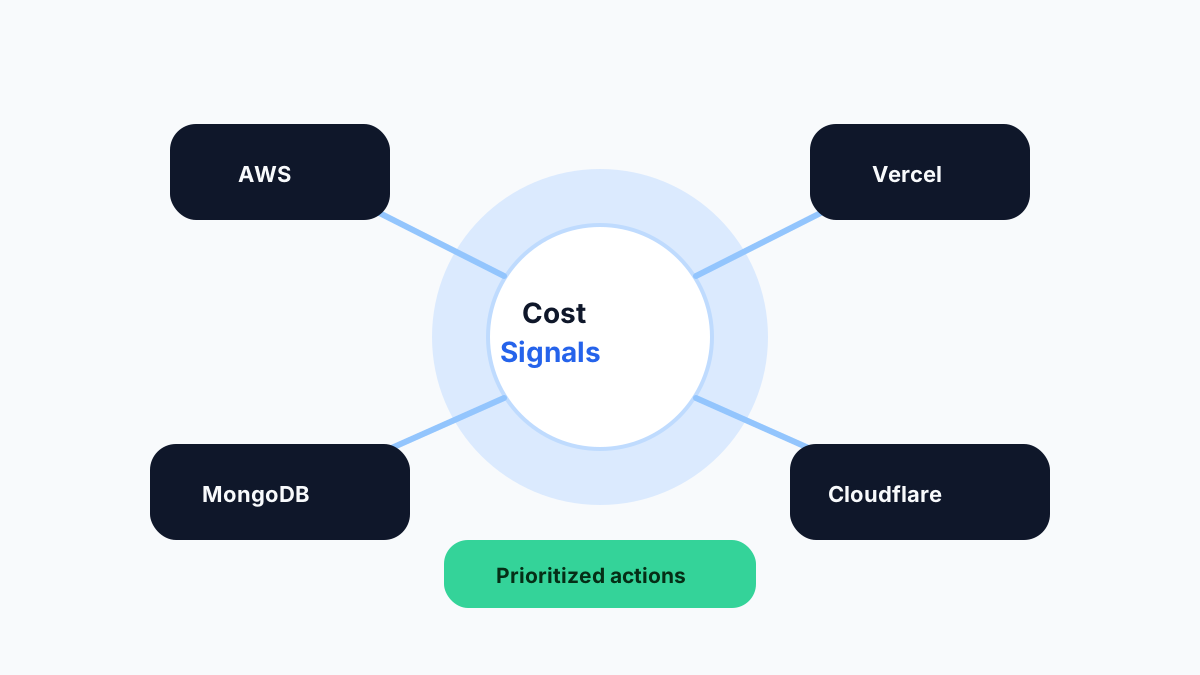
Cost visibility is only the first step. Teams need to know what changed, why it matters, what to do next, and whether the change is safe enough to prioritize this week.
Why we focused on signals
Dashboards can become another place to look without changing behavior. A cost signal is different: it points to a specific pattern, ties it to evidence, and suggests a next action.
The goal is to help engineering teams spend less time interpreting raw billing data and more time making confident infrastructure decisions.
1. Multi-platform context
Modern applications rarely live in one provider. A launch might touch AWS, Vercel, MongoDB Atlas, Cloudflare, monitoring, and CI. Looking at one bill at a time misses the shape of the real system.
- Group costs by platform, environment, and ownership.
- Connect resource inventory with spend movement.
- Spot launches that increase cost across multiple tools.
2. Recommendations with evidence
Every useful recommendation needs a reason. If a database is oversized, show the utilization. If a preview environment is stale, show the last activity. If logs are expensive, show the service creating volume.
- Show the signal that triggered the recommendation.
- Include the expected impact and operational caution.
- Keep enough context for an engineer to validate quickly.
3. Better handoff from finance to engineering
Finance can identify that spend is rising, but engineering needs resource-level detail to fix it. Cost signals create a shared language: finance sees impact, engineering sees action.
- Prioritize recommendations by savings potential and confidence.
- Track status from identified to accepted to completed.
- Review realized savings after changes land.
What you can do with it
Use OggyCloud to connect your first supported platform, review your cost signals, and start building a weekly savings workflow. As you add more platforms, the dashboard becomes a stronger map of where your stack is spending money.
The teams that save consistently do not wait for a monthly surprise. They keep cost feedback close to the engineering work that creates it.