7 cloud cost leaks engineering teams miss before the bill arrives
A practical cloud waste checklist for teams running AWS, Google Cloud, Azure, Vercel, MongoDB Atlas, and the rest of a modern SaaS stack.
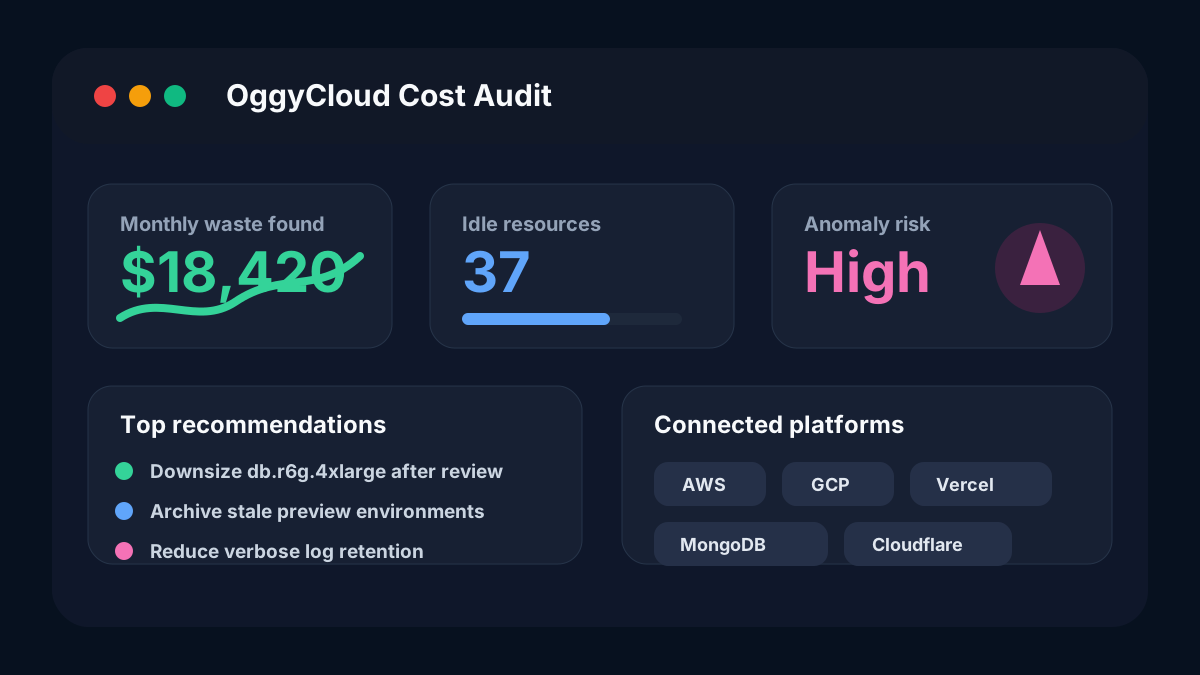
Most cloud waste does not look dramatic in a dashboard. It hides in quiet places: idle databases, oversized runners, forgotten preview environments, stale storage, and tools that keep billing long after the project ended.
The pattern behind surprise cloud bills
Fast-moving teams rarely waste money because they are careless. They waste money because infrastructure keeps changing faster than billing reviews. A launch sprint adds a bigger database, a preview environment, and a new monitoring tool. Two weeks later the team ships, but the extra capacity remains.
That is exactly the gap OggyCloud is built to close: connect the platforms behind your stack, normalize cost signals, and turn waste into clear recommendations before the month-end invoice becomes a surprise.
1. Idle compute that still looks important
Idle instances are easy to miss because they often have serious names: staging-api, migration-worker, qa-runner, data-export-v2. The label suggests ownership, but CPU, memory, network, and request patterns often tell a different story.
- Look for compute with near-zero CPU for seven or more days.
- Check whether load balancers still route traffic to the resource.
- Confirm whether attached disks and IP addresses continue billing after shutdown.
2. Oversized databases chosen during incidents
During an outage, upgrading a database is often the correct call. The expensive part is forgetting to downshift after the incident is resolved. Production teams commonly run large instances for weeks even after traffic returns to baseline.
- Compare peak utilization with sustained utilization.
- Flag databases where memory, IOPS, or CPU sits below the next smaller tier.
- Keep a recommendation trail so downsizing is reviewable instead of risky.
3. Preview and branch environments without expiry
Preview environments are useful because they make review fast. They become expensive when every branch creates compute, storage, logs, queues, and external service usage with no expiry rule.
- Set an owner and expiry date for every preview environment.
- Track spend by branch, team, or pull request where possible.
- Archive old environments automatically after merge or inactivity.
4. Logs and metrics kept at production depth forever
Observability costs often grow quietly. Teams add verbose logs for a launch, extend retention for debugging, and increase metric cardinality. The product improves, but the monitoring bill keeps the launch settings.
- Separate hot retention from archive retention.
- Track cardinality spikes after deploys.
- Review log volume by service, environment, and severity.
5. SaaS platforms outside the cloud console
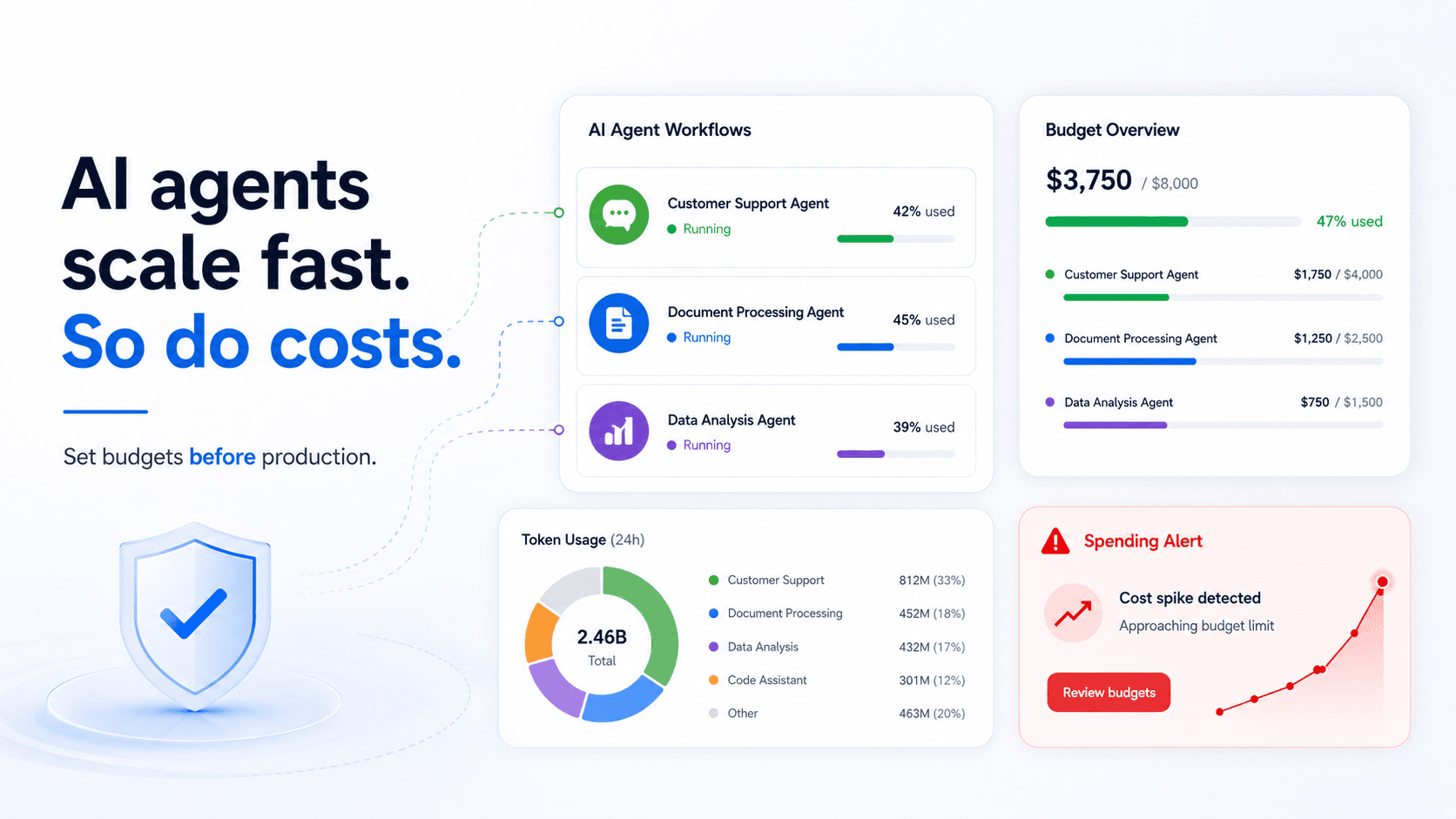
The modern cloud bill is not only AWS, Google Cloud, or Azure. It includes Vercel, MongoDB Atlas, Render, Netlify, Cloudflare, monitoring tools, CI/CD, data warehouses, and AI APIs. A single cloud console cannot explain the full burn rate.
- Connect every production platform that can create recurring infrastructure cost.
- Group spend by product area, team, and environment.
- Review cross-platform changes after launches, not just one cloud provider.
6. Recommendations without workflow
A static cost report does not save money by itself. Savings happen when a recommendation is clear enough for engineering to trust: what changed, why it is safe, expected monthly impact, and how to validate after the change.
- Prefer recommendations tied to actual usage evidence.
- Track accepted, ignored, and completed recommendations.
- Measure realized savings after the change, not theoretical savings only.
7. Waiting until finance asks
The best time to catch cloud waste is while engineers still remember why the resource exists. Waiting for a finance review turns every question into archaeology. Weekly checks keep the context fresh and the fix small.
How OggyCloud helps
OggyCloud connects your cloud and SaaS platforms, builds a live view of spend and inventory, surfaces waste patterns, and gives teams AI-backed cost answers in one dashboard.
Start with one supported platform for free. If you are already managing multiple accounts or tools, the paid plans add deeper sync, anomaly detection, and priority recommendations.